
The right tools. Your pace.
Computers, screens and peripherals: build a desk around your needs.
Discover the selection ↗Which use, which budget?
Filter products in this presentation by use and current catalogue price.
Technology on your terms
Clear selections, practical guidance and the right questions before choosing.
Your desk, simply
The Practical Journal
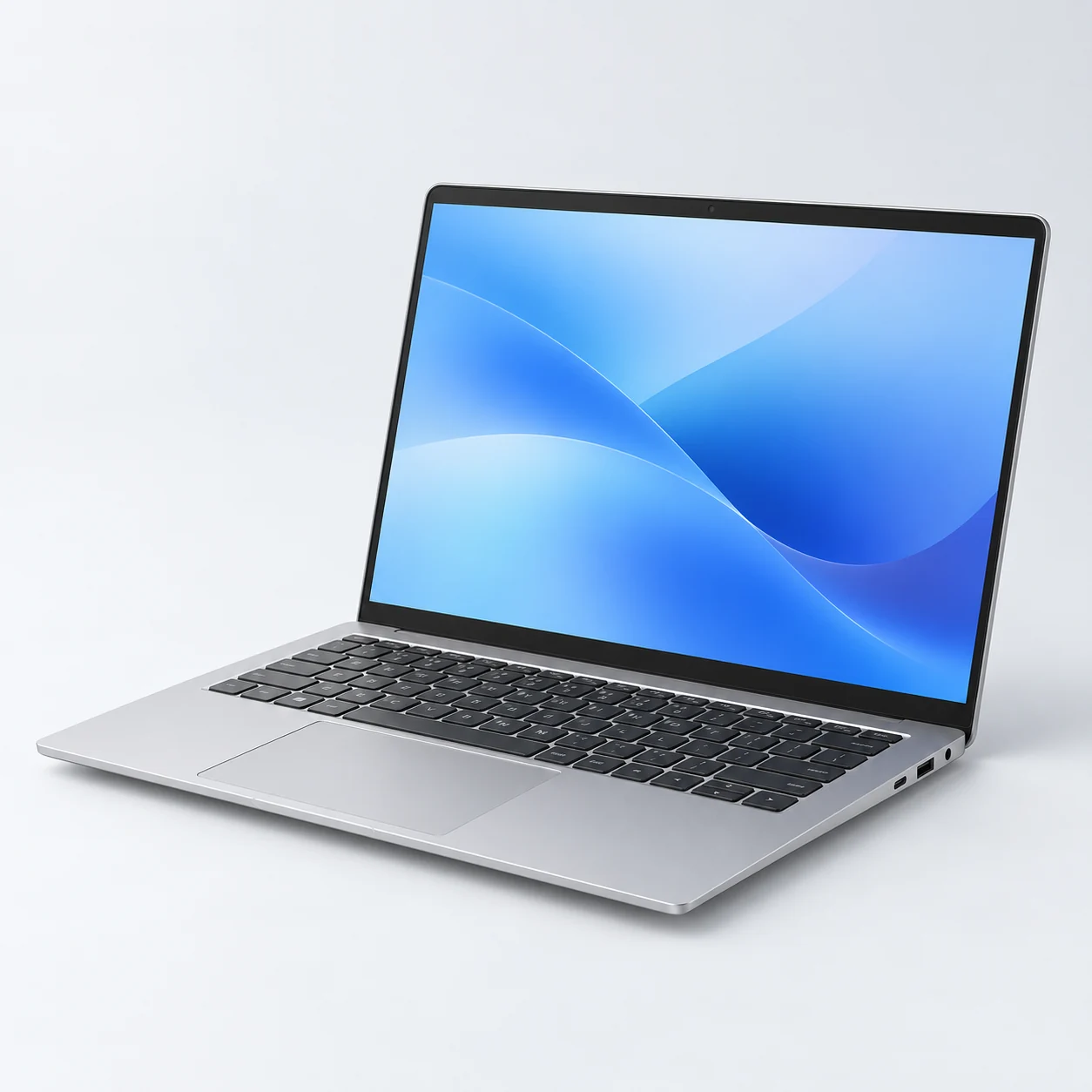
USB-C: one shape, several functions
The USB-C shape does not describe every function of a port.
Read the guide ↗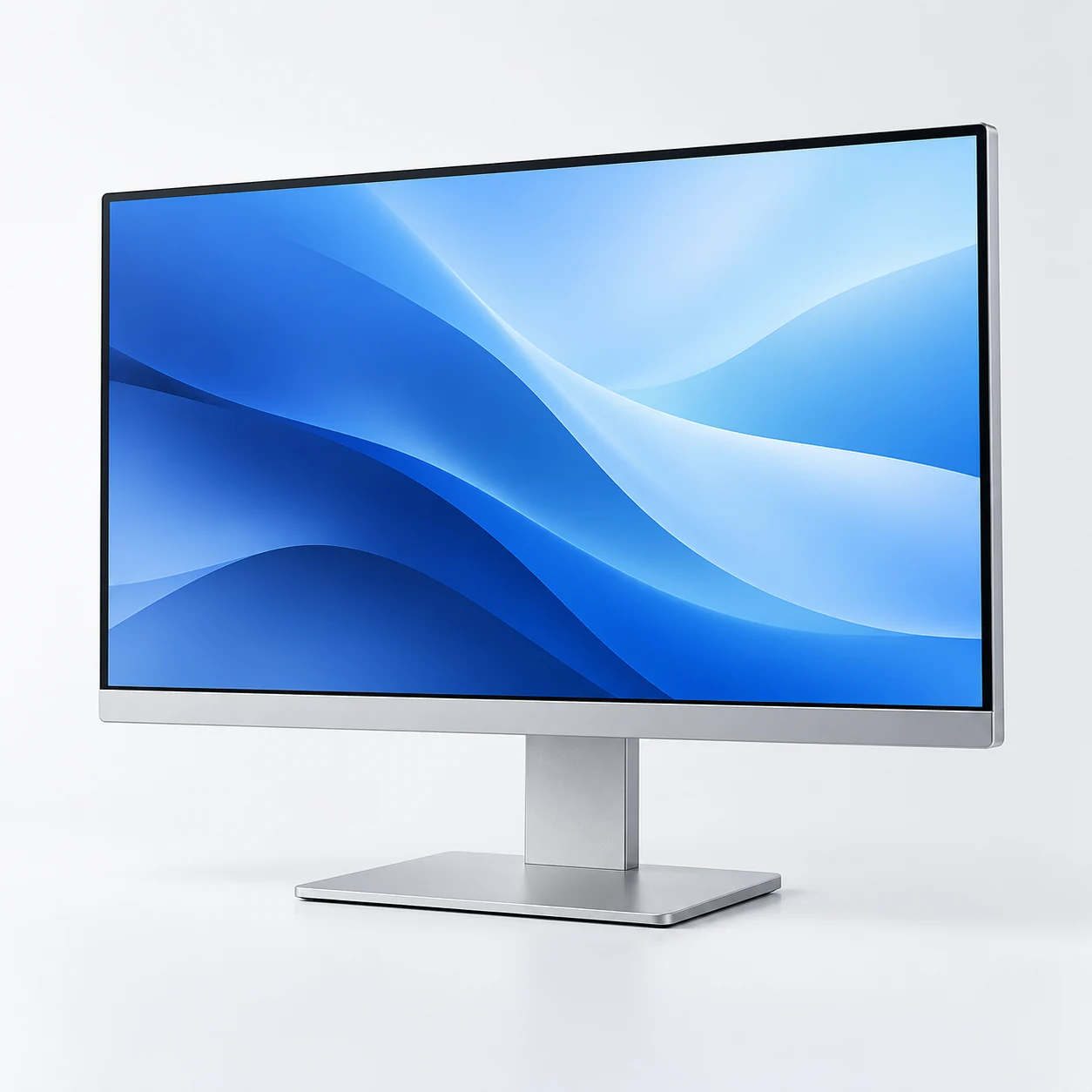
Finding a place for a monitor
Measure desk space and the intended distance from the monitor.
Read the guide ↗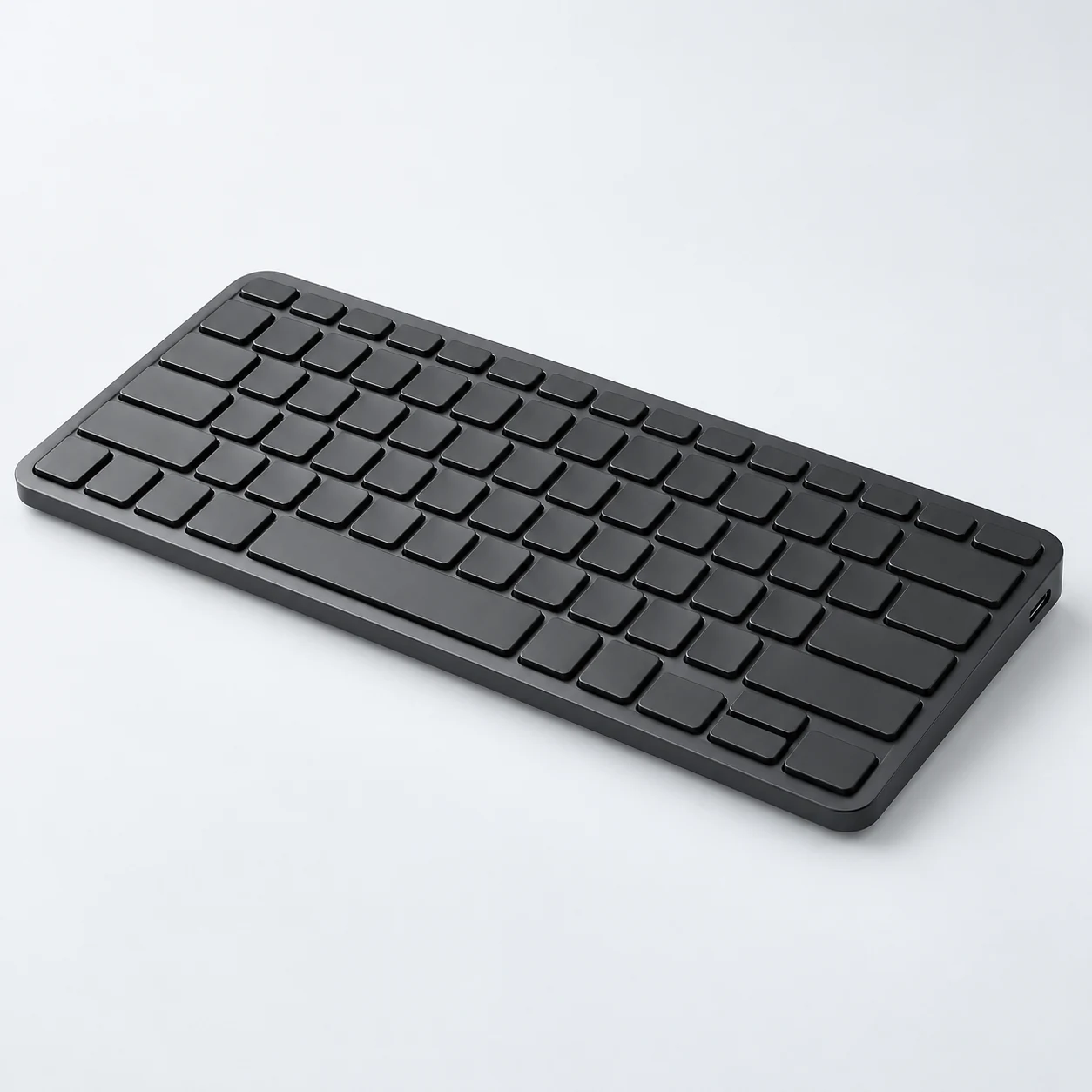
Keyboard and mouse: check the footprint
Check keyboard width and the space needed for the mouse.
Read the guide ↗Discoveries of the moment
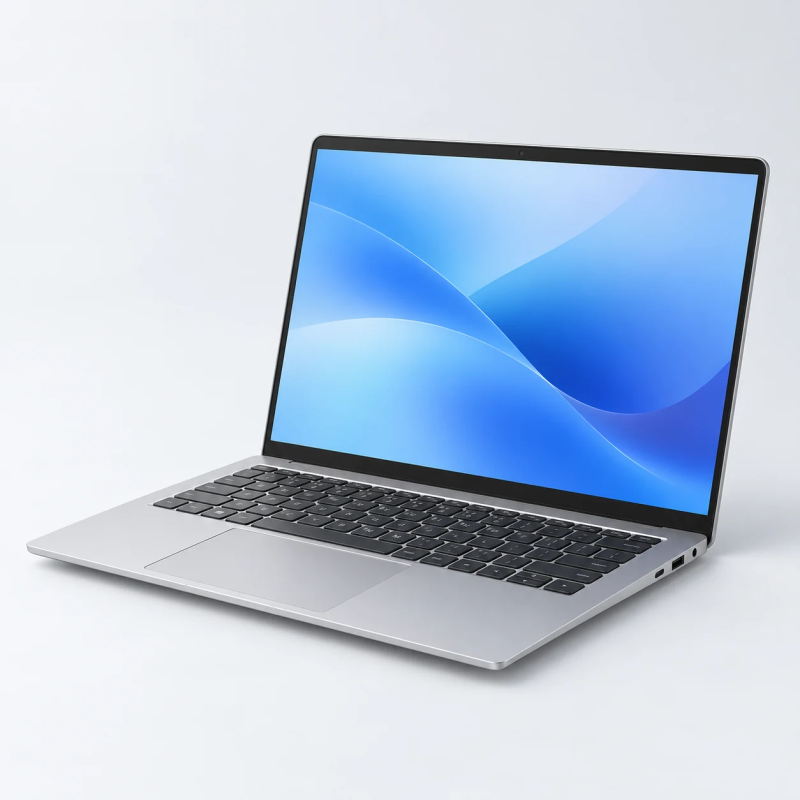
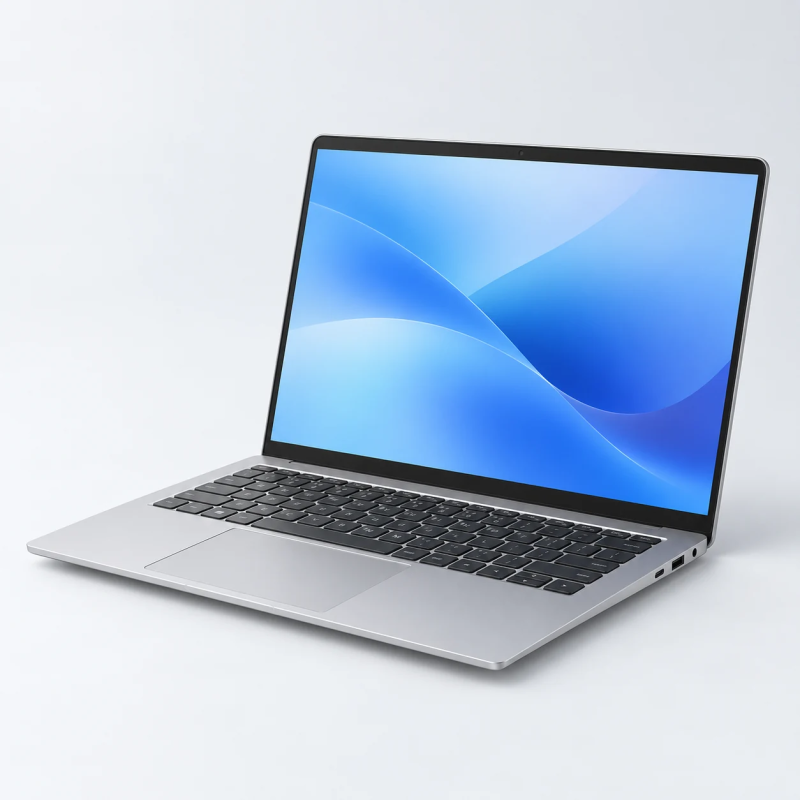
Silver laptop
Computers, screens and peripherals: build a desk around your needs.
Practical sets
Three steps to choosing
Your pre-purchase checklistDefine the use
Start with your tasks and current devices.
Explore the selection ↗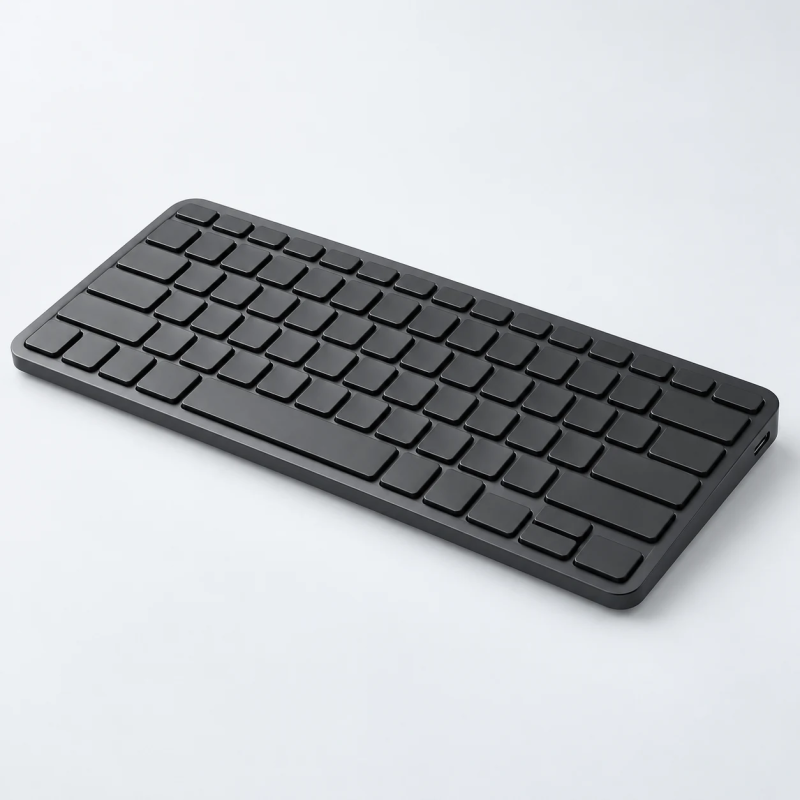
Check connections
Check ports, protocols and supported systems.
Explore the selection ↗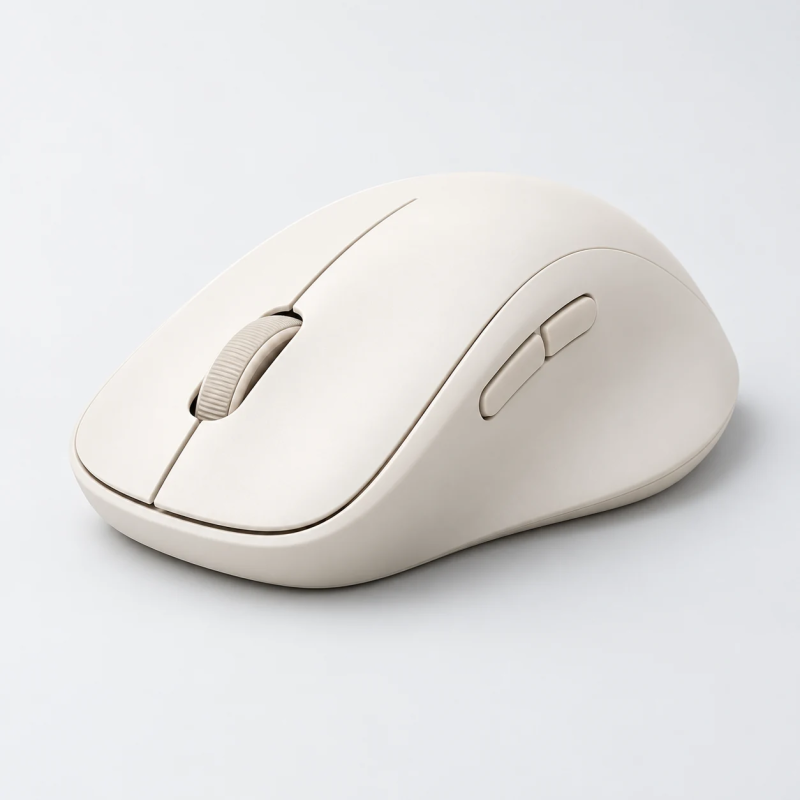
Read specifications
Compare manufacturer-stated characteristics.
Explore the selection ↗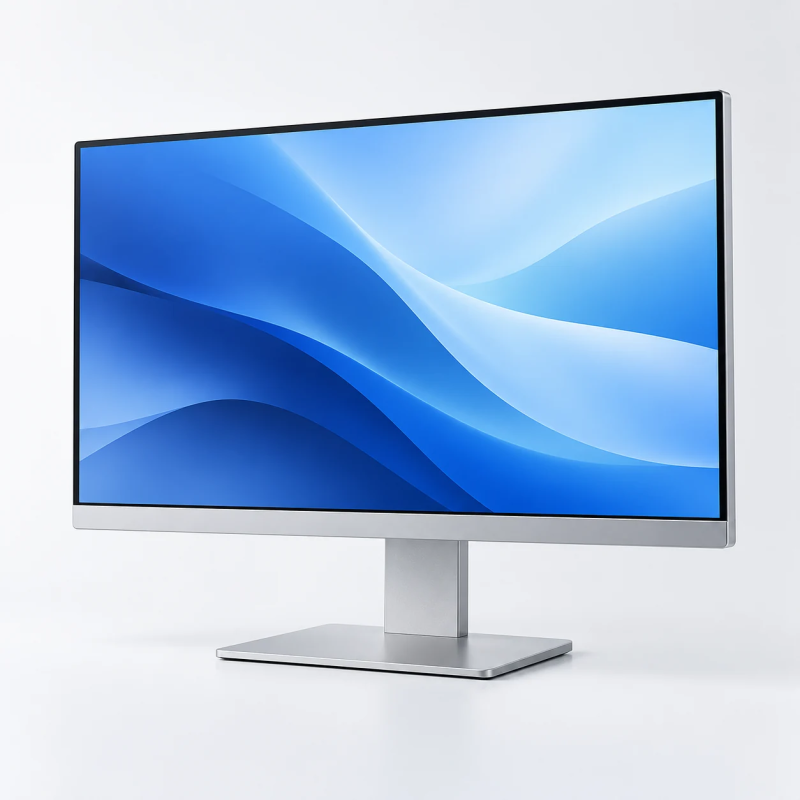
Define the use
Start with your tasks and current devices.
Explore the selection ↗Your pre-purchase checklist +
- Define your use and check devices already in place.
- Compare interfaces, dimensions, software and manufacturer requirements.
- Read the manual and stated limits before connecting devices.
Prices, availability and offers from the current catalogue.
Demo · fictional products and generated visuals, not available to order.