Smart Product Badges images
Smart Product Badges
Price:
€9.00
Tax included
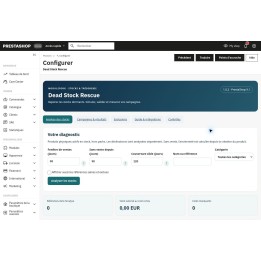
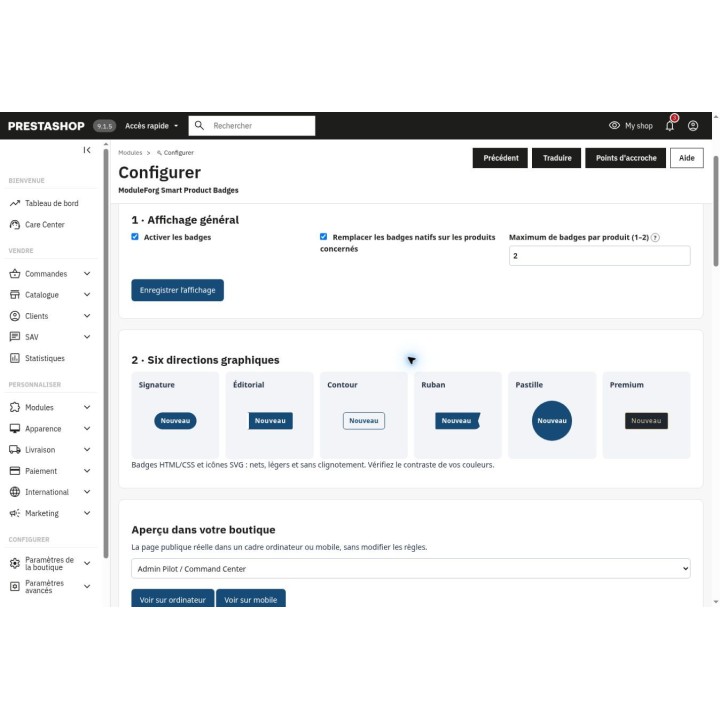
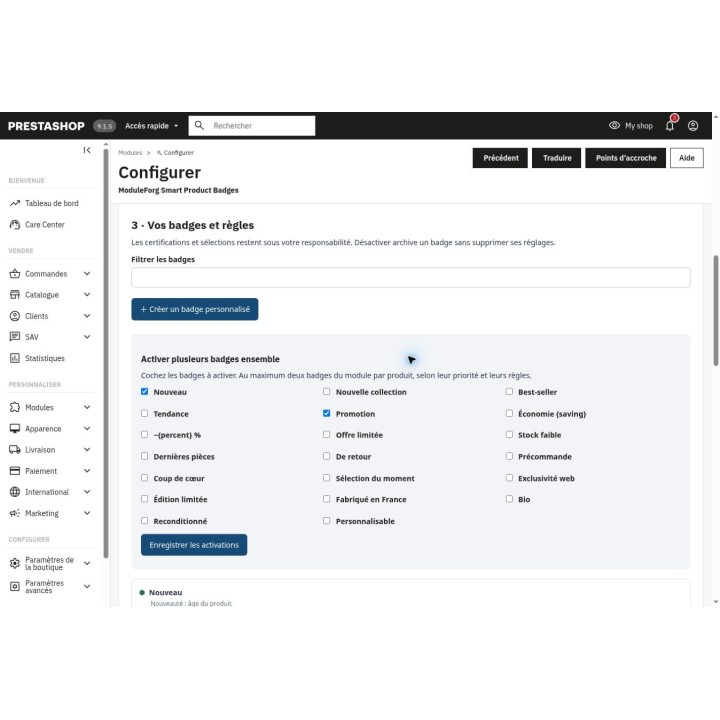
Smart Product Badges 1.0.0: 20 presets and custom badges, 6 designs, icons and scheduling. Select multiple products for each badge and enable several badges together. Strict maximum of 2 module badges per product. Desktop/mobile previews and FR/EN manuals. Tested on PrestaShop 9.1.5, PHP 8.4.16 and the ModuleForg theme.
Smart Product Badges
Smart Product Badges highlights information that helps customers browse your PrestaShop catalogue. Choose messages, eligible products and a style matching your brand, then use native data for automatic badge rules.
What you can do
- 20 badge templates and six designs, with adjustable colours, size, positions and icons.
- Multiple product, category and feature selection, with priority exclusions.
- Up to 100 rules, display dates and priorities.
- Maximum two module badges per product.
- Design and store previews on desktop and mobile.
Prepare for launch
Install the archive through the module manager on a staging copy of your store. Configure the functions relevant to your business, check results with your own catalogue and languages, then enable the selected scope. Product-specific requirements are explained below.
Requirements and scope
Merchants must substantiate origin, certification and selection claims. Automation uses native prices, stock, sales and dates; stock returns are observed from installation. The theme must display native flags. Checked on PrestaShop 9.1.5 / PHP 8.4.16; PHP 8.1+ and mbstring required. ZIP and FR/EN manuals included.
Demos, manuals and other packages
-
ReferenceMF-MOD-BADGES
How do I install the module?
Upload the purchased ZIP through Modules > Module Manager > Upload a module.
Which environment was tested?
PrestaShop 9.1.5, PHP 8.4.16 and the ModuleForg theme.
 Digital download
Your ZIP is available in your account after payment confirmation.
 Clearly defined licences
Theme: 1, 5 or 10 stores. Optional installation covers one store.
 Support for your selected offer
Support duration is stated on each product page. One-year extension sold separately.
Viewed products
- Online only

Comments (0)
Your review appreciation cannot be sent
Report comment
Report sent
Your report cannot be sent